The main line: Panel plus Postgres in Docker Compose, Agents on bare metal.
Of the three ways to run the Panel, this is the one I would pick for a fleet I
expected to keep, because upgrades become a pull and a recreate, and the state
that matters sits in two named volumes you can back up as a pair. The reference
compose file is
deploy/docker-compose.full.yml
and the Panel image is ghcr.io/briggleman/kraken-panel, published on every
release.
Two alternatives are documented, neither of them the place to start: bare metal + systemd and from source.
Before you start
- A Linux host with Docker and Compose v2 (
docker compose version). amd64orarm64.- The host's own IP or DNS name. Not a Windows computer name: anywhere Kraken asks for a node address it wants an IP or a DNS name.
- Two ports you can decide about now: the HTTP port the browser uses
(
:8080by default) and:9443, the mTLS listener that tunnel-mode Agents dial. See ports and firewall.
network_mode: host is Linux-only. Docker Desktop for Mac and Windows ignore
it, which is why a Windows machine runs the Agent bare metal while the Panel
lives on a Linux host.
Get the files
git clone https://github.com/briggleman/kraken.git
cd kraken
cp deploy/.env.example deploy/.env
You need deploy/docker-compose.full.yml and deploy/.env; copy them wherever
you keep your compose stacks if you would rather not keep the clone. Secrets
stay out of the compose file, which is the reason for the split, so that file is
safe to commit. deploy/.env is git-ignored and is not.
The secrets key
echo "KRAKEN_SECRETS_KEY=$(openssl rand -base64 32)" >> deploy/.envThis is the master key that seals every at-rest secret: Steam credentials, the
Panel's CA private key, SFTP keys, integration tokens. The Panel refuses to
start without one (KRAKEN_SECRETS_KEY:? in the compose file is a hard stop
rather than a default).
The stack, service by service
postgres
postgres: image: postgres:17-alpine environment: POSTGRES_USER: kraken POSTGRES_PASSWORD: kraken POSTGRES_DB: kraken ports: - "127.0.0.1:5432:5432" volumes: - pgdata:/var/lib/postgresql/data
Postgres is the source of truth: fleet state, users, sessions and the audit log
all live here. The publish is deliberately 127.0.0.1:5432:5432, so the
host-networked Panel reaches it over loopback and the rest of the network
cannot.
The pgdata volume is the fleet. Back it up alongside KRAKEN_SECRETS_KEY; one
without the other is not a restore.
panel
panel: image: ${KRAKEN_PANEL_IMAGE:-ghcr.io/briggleman/kraken-panel:latest} depends_on: postgres: { condition: service_healthy } network_mode: host environment: KRAKEN_ENV: prod KRAKEN_HTTP_ADDR: :${KRAKEN_HTTP_PORT:-8080} KRAKEN_DATABASE_URL: postgres://kraken:kraken@127.0.0.1:5432/kraken?sslmode=disable KRAKEN_STATE_DIR: /var/lib/kraken KRAKEN_SECRETS_KEY: ${KRAKEN_SECRETS_KEY:?…} volumes: - panel-state:/var/lib/kraken
Host networking, so the Panel binds its HTTP port directly, binds :9443 for
the tunnel listener, and can dial a co-located Agent on 127.0.0.1:9090 without
cross-network gymnastics.
KRAKEN_STATE_DIR holds what cannot live in the database: panel.json, the CA
the Panel generates for Agent enrollment, and its own client certificate. The
panel-state volume is the second thing to back up.
Pin the image when you would rather decide for yourself when to move:
KRAKEN_PANEL_IMAGE=ghcr.io/briggleman/kraken-panel:v0.52.0 in deploy/.env.
agent (optional)
The third service is a co-located Agent, so a single-host install reaches a
running game server with nothing else to do. It takes network_mode: host and
the Docker socket, because it launches game containers on the host's daemon and
their ports have to be reachable from the LAN.
If the Panel host will not run games — a small VPS fronting nodes elsewhere, say
— drop the service and turn quickstart off. This one is not read from
deploy/.env: the compose file sets it on the panel service directly, so edit
it there.
panel: environment: KRAKEN_QUICKSTART: "false"
KRAKEN_QUICKSTART is the single-host convenience path: at startup the Panel
auto-registers the co-located Agent as the local node. With no Agent there to
register, leave it off, or the fleet shows a node that will not come up.
Bootstrap admin
KRAKEN_BOOTSTRAP_ADMIN_USER=admin
KRAKEN_BOOTSTRAP_ADMIN_PASSWORD=
On a fresh database the Panel creates this user. Leave the password empty. The Panel then generates a strong random one and logs it once at startup, so there is no weak default credential waiting to be forgotten about.
docker compose --env-file deploy/.env -f deploy/docker-compose.full.yml logs panel | grep -i passwordOn later starts the value is ignored. The login lives in Postgres now.
Origins and the setup surface
KRAKEN_ALLOWED_ORIGINS=https://kraken.example.comThe WebSocket origin allowlist. Same-origin requests are always permitted, so a
Panel reached directly at http://host:8080 needs nothing here. Set it the
moment a proxy or a real hostname is in front. Skip it and the console and stats
sockets are refused while ordinary REST calls keep working, which is a
half-broken Panel that reads like a UI bug.
KRAKEN_SETUP_ALLOWED_CIDRS restricts the /setup/* API — the first-run
wizard, datastore configuration, local enrollment — to callers whose real TCP
peer falls inside one of the listed CIDRs. It defaults to loopback plus the RFC
1918 private ranges, link-local and IPv6 ULA, so setup is never drivable from
the public internet even with valid credentials. Narrow it if you like. The
default is already closed to the internet.
Behind a proxy, "real TCP peer" is the phrase to stop and think about: see behind a reverse proxy.
Ports
Two ports matter on the Panel host.
| port | what | who reaches it |
|---|---|---|
8080 (KRAKEN_HTTP_PORT) |
HTTP: web UI and REST + WebSocket API | browsers, and Agents during enrollment |
9443 (KRAKEN_TUNNEL_ADDR) |
the mTLS reverse-tunnel listener | tunnel-mode Agents only |
8080 is the default and the compose file publishes it as-is. If another
service on the host already owns it, move the Panel with KRAKEN_HTTP_PORT and
use the same number everywhere the Panel URL appears.
Bring it up
docker compose --env-file deploy/.env -f deploy/docker-compose.full.yml up -d
docker compose --env-file deploy/.env -f deploy/docker-compose.full.yml ps
Then open http://<host>:8080 and sign in as the bootstrap admin.
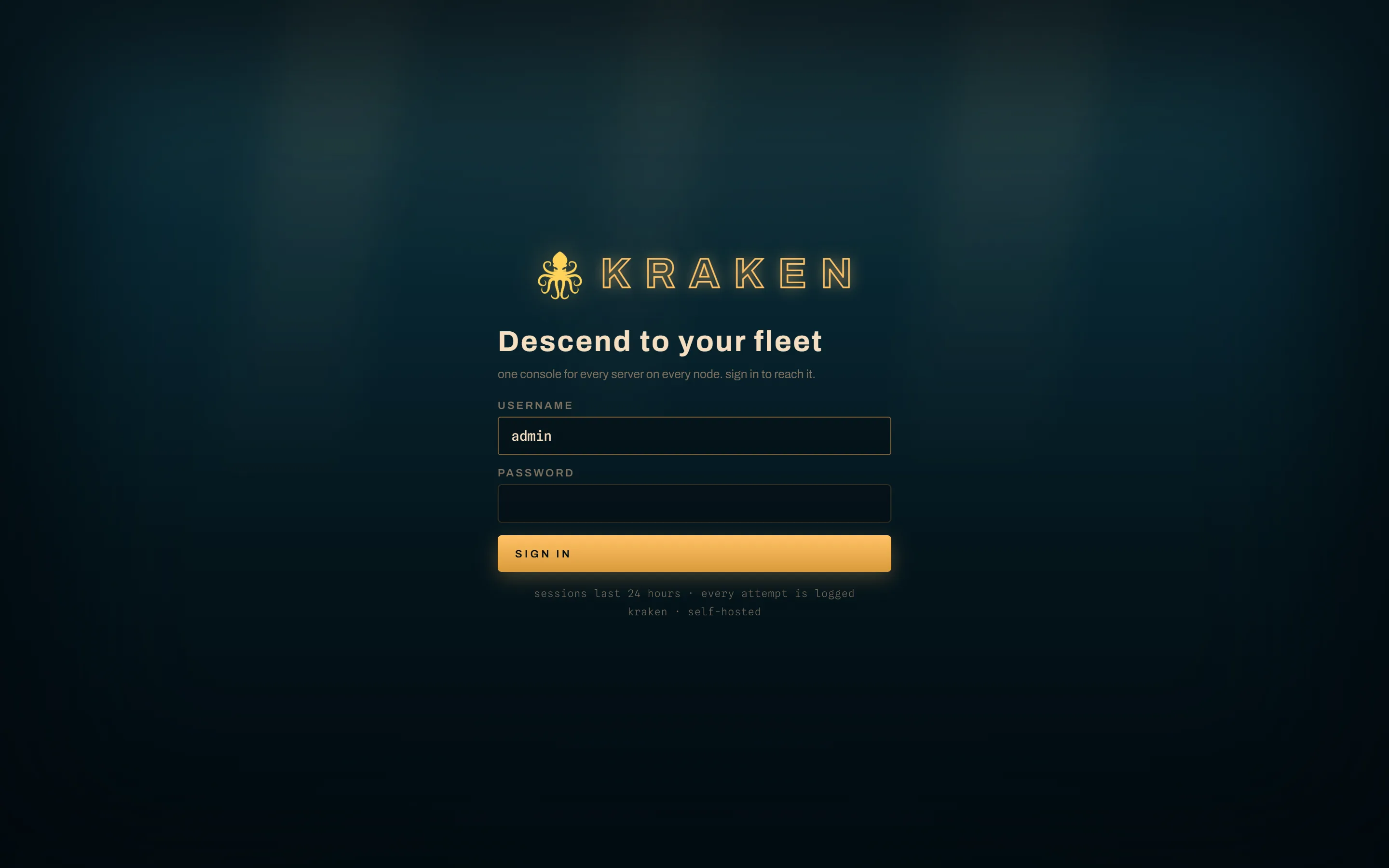
The UI forces a password change on first login. Do it: the one you typed is sitting in a log file.
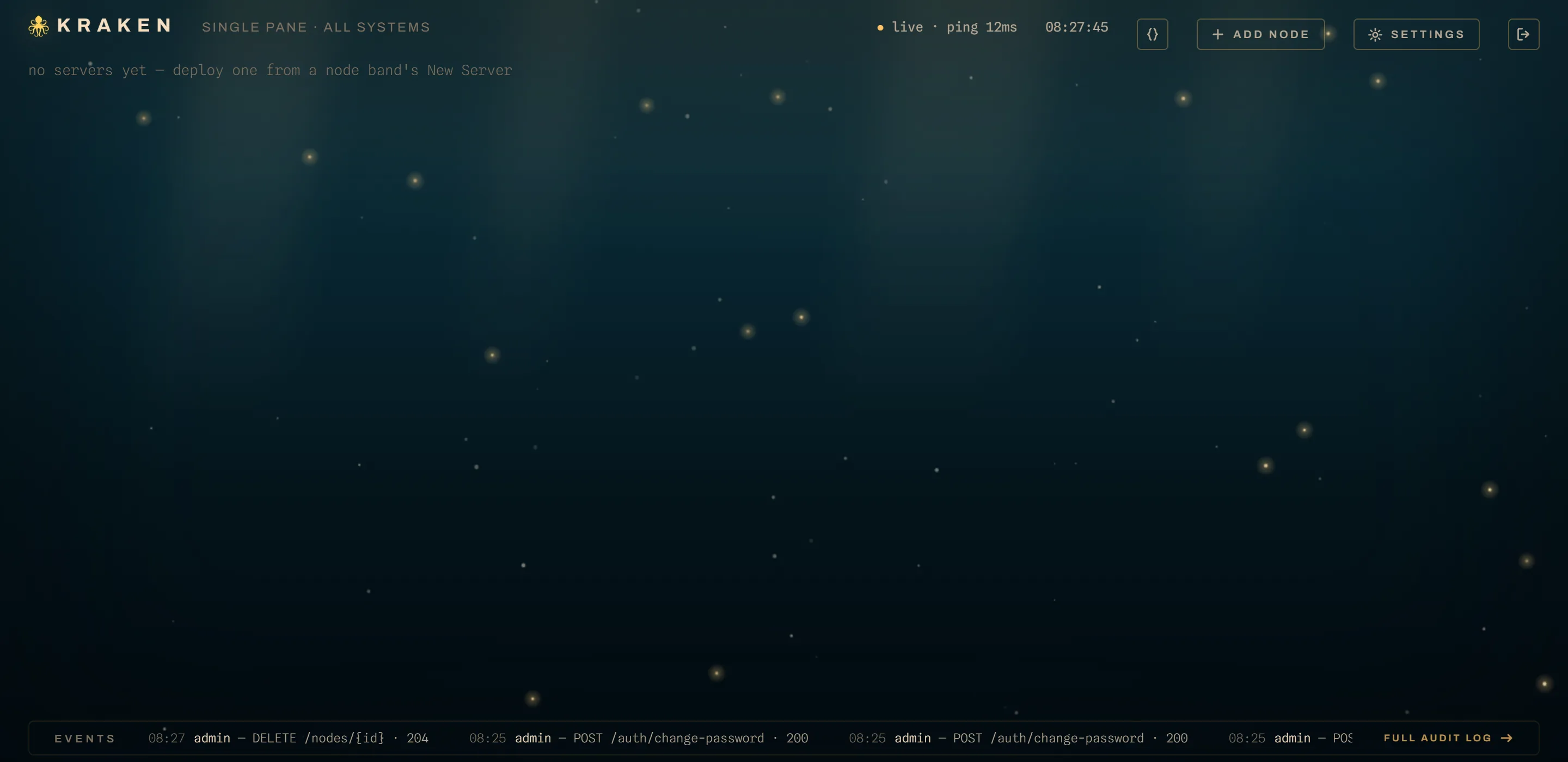
From here:
- Install an Agent on each host that will run
games, this one included if you kept the compose
agentservice — in which case quickstart has already registered it. - Give each node a port range before trying to deploy anything. A node with no range is online and unschedulable.
- Read upgrading before the first release lands, because the order matters.
Alternatives
- Bare metal + systemd: a service-managed binary instead of a container.
- From source: contributors, or an OS/arch with no published build.
- Mixed: containerized Panel, bare-metal Agents. Skip the compose
agentservice and follow the Agent page. Host networking on the Panel means no compose edits are needed for this.