Four listeners and a pool. Game traffic sits apart from all of it and goes straight to the node.
| port | where | what | who may reach it |
|---|---|---|---|
8080 |
Panel | HTTP: web UI, REST + WebSocket API | browsers on your LAN or VPN; Agents during enrollment |
9443 |
Panel | the mTLS reverse-tunnel listener | tunnel-mode Agents |
2222+ |
Panel | SFTP proxy, one port per tunnel node | SFTP clients on your LAN |
9090 |
Agent | gRPC over mTLS | the Panel only, and only in direct mode |
2022 |
Agent | per-server SFTP | SFTP clients on your LAN |
28000–28999 |
Agent host | the game-port pool | players, via your router |
The Panel's HTTP port is KRAKEN_HTTP_ADDR / KRAKEN_HTTP_PORT, and it
defaults to 8080. Change it if something else on the host already holds that
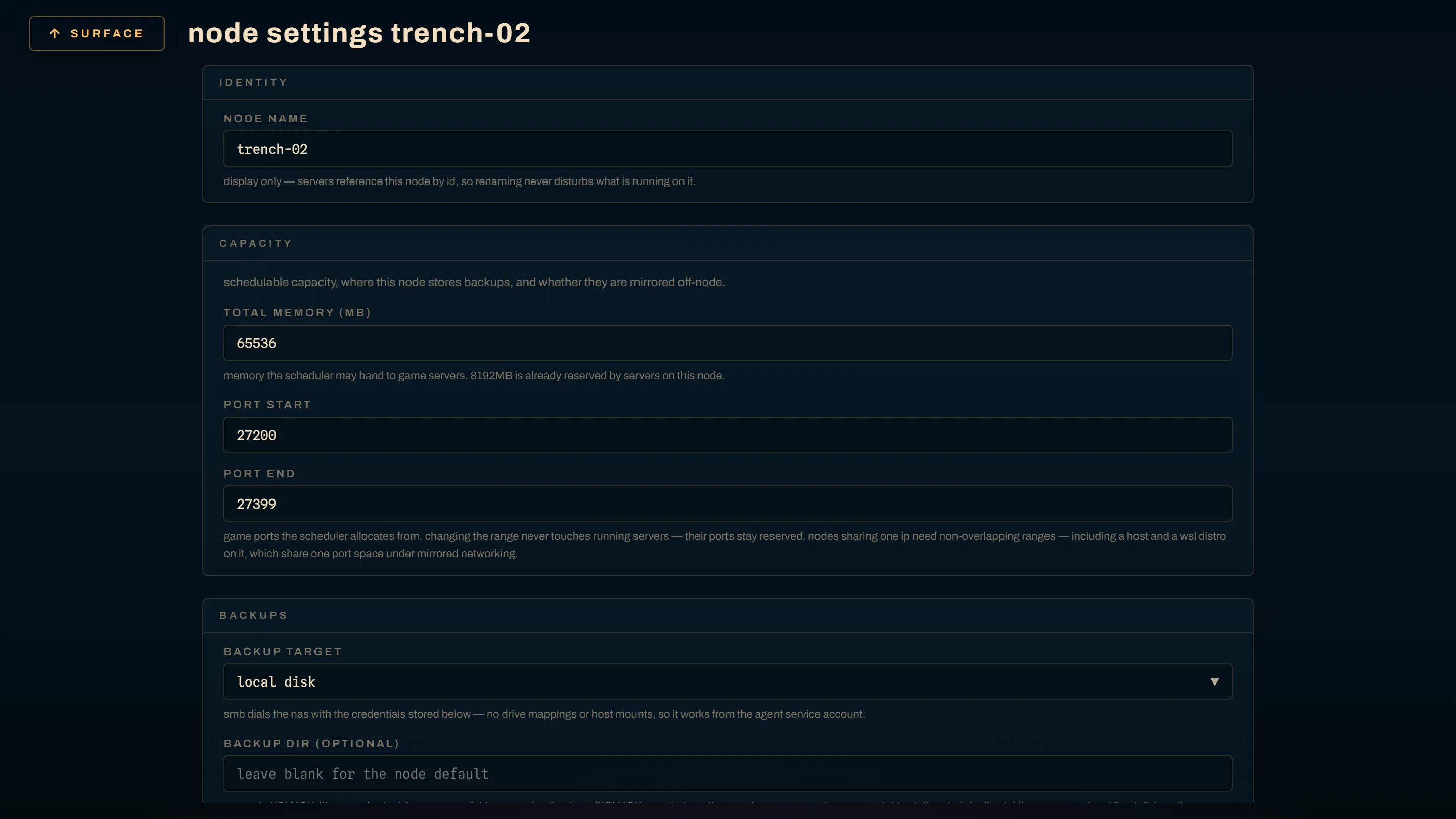
port, then use the same number everywhere the Panel URL appears. The port pool is per node and set in the
Panel's node settings, where 28000–28999 is the reference range rather than a
default you inherit.
Two Agents sharing one port space cannot both hold :9090/:2022. The classic
case is a WSL distro with mirrored networking beside its Windows host. Give the
second :9091/:2023 and split the pools into non-overlapping ranges.
The rules that matter
Keep the Panel and SFTP off the public internet. LAN, VPN, or a reverse proxy with TLS in front. Not a published port on a router.
:9443 has to stay reachable from your Agents. It is how a tunnel-mode node
talks to the Panel, and tunnel is the default for new nodes. Raw mTLS cannot be
proxied, so give it its own address or DNS name. Binding it to loopback while
putting the HTTP port behind a proxy takes the whole fleet offline at once, and
that pairing is common enough to be worth saying twice.
Agent gRPC should not be reachable off-host without mTLS. The deploy configs
bind it to 127.0.0.1:9090 so only the co-located Panel can reach it. The Agent
refuses to serve plaintext gRPC on a non-loopback address unless either
KRAKEN_TLS_CERT/KRAKEN_TLS_KEY/KRAKEN_TLS_CA are configured, which is what
enrollment does, or KRAKEN_ALLOW_INSECURE_GRPC=1 is set as an explicit opt-in.
Agent gRPC has no application-level auth; mTLS is the whole trust boundary, and
it fronts the Docker socket.
Game ports are published 1:1. The port the Panel assigns is the port on the host and the port a player types. Forward them from your router to the node. Tunnel mode changes nothing here, because game traffic never touches the Panel.
Direct-mode nodes need an inbound rule
# windows, elevated
New-NetFirewallRule -DisplayName "kraken-agent ports (TCP 9090 + 2022)" `
-Direction Inbound -Action Allow -Protocol TCP -LocalPort 9090,2022# linux — ufw
sudo ufw allow 9090/tcp && sudo ufw allow 2022/tcp
# linux — firewalld
sudo firewall-cmd --permanent --add-port={9090,2022}/tcp && sudo firewall-cmd --reloadScope those to your LAN or VPN subnet where your firewall makes that easy. Internet exposure is a different matter: gRPC is mTLS-only, but SFTP is password and key auth, so neither belongs on a public interface.
Or skip inbound ports entirely
A node enrolled with --tunnel (Add node → the node dials the Panel) holds
an outbound mTLS connection to KRAKEN_TUNNEL_ADDR and is fully manageable with
zero inbound firewall rules. It also works behind NAT you do not control,
which no amount of firewall rule-writing solves.
Per-server SFTP is where the trade-off lands. The Panel fronts each tunnel
node's SFTP on a per-node port of its own, allocated upward from
KRAKEN_SFTP_PROXY_BASE_PORT (default 2222) and persisted on the node record,
forwarding the raw SSH byte stream to the Agent. The Panel never terminates SSH,
so credentials and host keys stay Agent-side. Raw SSH carries no routing header
a pass-through proxy could read, which is why each node gets its own port
instead of one shared endpoint. The in-browser file manager behaves the same
either way.
Design note: docs/design/reverse-connections.md.
Game ports, end to end
- Deploy a server. The scheduler allocates its ports from the node's pool.
- Forward those ports from your router to the node's address, 1:1. Mind the protocol; most games want UDP.
- Players connect to your public address on that port.
The optional UniFi integration can publish the forward from the same screen that assigned the port, and the Cloudflare integration can publish the DNS record. Both degrade cleanly when unconfigured, and a game is joinable without either.
A node whose pool is empty reads online and unschedulable: deploys are refused with "no node can host this spec" while the fleet looks healthy. Set the range when you register the node and the whole class of confusion goes away.